 USD
 Themes
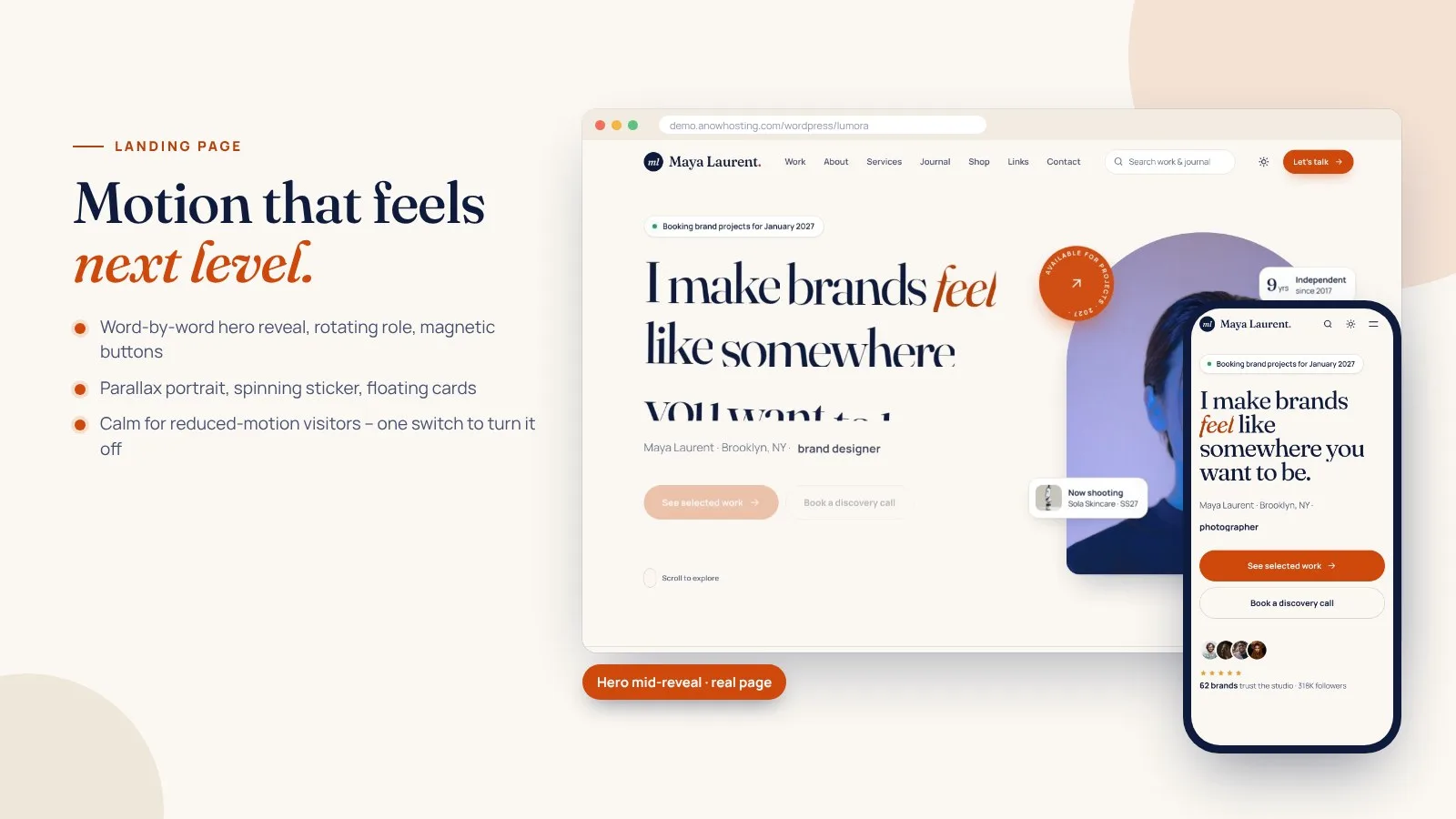
Lumora – Portfolio & Link-in-Bio WordPress Theme for Creators (Elementor & Block Editor)
WordPress · v1.0.0
$25
Hi! Tell us what you need and our team will answer here.
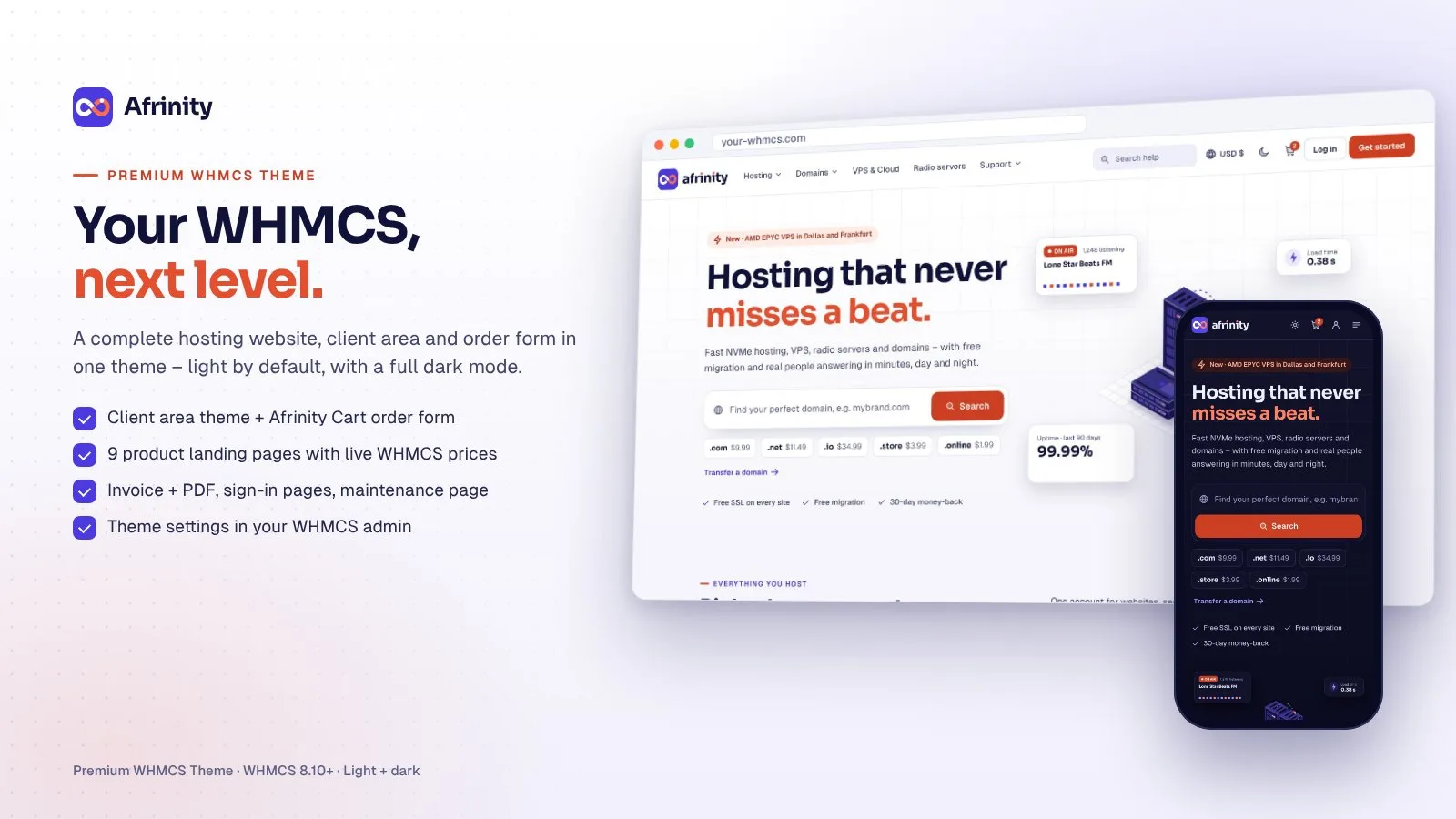
Premium WHMCS client area theme with its own order form, invoice and quote PDFs and 9 hosting landing pages with live WHMCS prices: light and full dark mode, colour presets, PWA and a settings screen in your WHMCS admin.
Afrinity is a premium WHMCS theme for web hosting, VPS, domain, SSL, email and radio hosting companies. The order form, the invoice design and 9 product landing pages are included: a public website with domain search and live prices, a calm client area, the Afrinity Cart order form, invoices and quotes with matching PDFs, sign-in pages and a branded maintenance page. Light theme by default with a full dark mode, three colour presets or your own colours, an installable app (PWA) and a settings screen inside your WHMCS admin - no code needed.
Shared, WordPress, reseller, VPS, dedicated, radio, SSL, business email and an all-hosting page. Link each one to its WHMCS product group: plans, prices in the visitor's currency and order buttons come straight from WHMCS. The Monthly / Yearly switch changes price and cart cycle. Features, illustration sections, comparison table, FAQ and call to action are all editable.
Every Standard Cart feature in the Afrinity look: group tabs with Monthly / Yearly, billing cycle cards, configurable options and addons with a live total, the domain step (register, transfer, own domain), domain options, cart with promo code and tax estimate, checkout with express checkout and stored cards, and the order complete page.
Dashboard with services, domains, invoices, tickets and alerts; services with module buttons, usage and upgrades; domains with bulk actions and every tab; users, contacts, security with two-factor, email history and notifications. Pages the theme does not draw itself show the WHMCS page inside the Afrinity layout, so every module keeps working.
Invoices with a status ribbon, tax lines, credit and the gateway's payment button; the PDF uses the same design with your logo and colours. Quotes, payment methods, add funds and mass payment in the same look.
Every page, the order form, invoices and sign-in pages have a full dark theme. Visitors switch with the sun / moon button, the choice is remembered and applied before the page paints. You choose the default for first-time visitors: light, dark or follow device.
Addons › Afrinity Theme gives every text, list, colour and switch its own field: home page sections, landings and menus, network map with data centers and latency, social networks with your own icons, app (PWA), announcement bar, footer, support, order form and client area texts, plus backup, import and reset.
Electric Indigo + Coral, Midnight Plum + Gold, Cobalt + Sunset Orange or your own primary, accent and deep colour. Every other shade is worked out for you and buttons keep readable text with automatic AA contrast. Upload logos for light and dark backgrounds.
From 360 px phones to 1920 px screens in both themes: a 60 px top bar with the menu at the right edge, slide-in menus, tables that turn into cards and tap targets of 36 px or more.
Your WHMCS installs as an app with an offline page; a maintenance page in your brand with a countdown for WHMCS's Maintenance Mode redirect; social networks; an announcement bar; network status with a world map; knowledgebase, announcements and downloads.
WHMCS 9.0 (recommended) or 8.13, PHP 8.2 - 8.3, https for the installable app.
Support covers installation questions and bugs. Updates come as a full package: upload the files over the old ones, your settings are kept.
1.0.0 – November 2026 – Initial release
Upload the new files over the old ones; your settings are kept.
documentation/index.html in the download, also online with the demo.
Initial release.
No reviews yet. Only customers who bought this product can write one.